Simple AI assistant for small business
Documents, old software and daily office work handled by one easy assistant.
AAIA starts cheaply with one workflow, installs easily on the office machine, understands documents and works with the software already on the desk.
- Cheap pilot
- Easy install
- Control Tower
- Value Dashboard
- Greek
- Balkans
- Turkey
How it works
Start in three steps.
No platform migration. No long setup. Start with the one task that already costs the most time.
Describe one task
Send a document, screenshot or short description of what someone does manually every day — invoices, spreadsheets, email, old software screen.
Approve the plan
AAIA suggests the simplest automation and shows the generated steps before anything runs. You approve, correct or reject it.
Worker runs locally
The AAIA Local Worker executes on your machine. Results, approvals and value data appear in the Control Tower and Value Dashboard.
What we offer
One assistant between documents and every system on the desk.
The business does not need to replace everything first. The assistant understands the input and works through the tools already in place.
Documents
Invoices, scans, PDFs, orders, emails, spreadsheets.
Understanding
Extract fields, detect language, validate values, ask for approval.
Execution
Update ERP, terminal software, browser portals, Excel and desktop apps.
Small office examples
Concrete use cases make the assistant easier to understand.
Each example can start as a cheap pilot: one document, one screen, one measurable result in the Value Dashboard.
Accounting office
Before: Supplier invoices arrive as PDFs and scans.
With AAIA: AAIA reads VAT, totals and supplier data, then prepares the ERP entry for approval.
Trading office
Before: Orders arrive by email in Greek, English or regional supplier formats.
With AAIA: AAIA extracts items, checks stock or price files and prepares the order record.
Logistics desk
Before: Shipping papers, delivery notes and portal updates repeat every day.
With AAIA: AAIA reads the document, updates the portal or desktop system and records exceptions.
Owner dashboard
Before: The owner needs to know whether automation actually saves time.
With AAIA: AAIA collects processed documents, manual steps removed, exceptions and time saved.
Intent-based UX
What are you trying to fix?
Choose the problem closest to your workflow. The assistant can start from invoices, PDFs, scans, emails, spreadsheets, screenshots or a short screen recording.
Document understanding
Problem: Invoices, orders, shipping papers, bank PDFs and scanned forms arrive in different languages and formats.
Next step: The assistant extracts the useful fields, checks them, asks for approval when needed and sends the data to the right system.
Old desktop or terminal software
Problem: The business still depends on older Windows programs, terminal screens or applications with no modern API.
Next step: The local worker operates the screen like a trained user: read, type, click, copy, paste and verify the result.
Multilingual operations
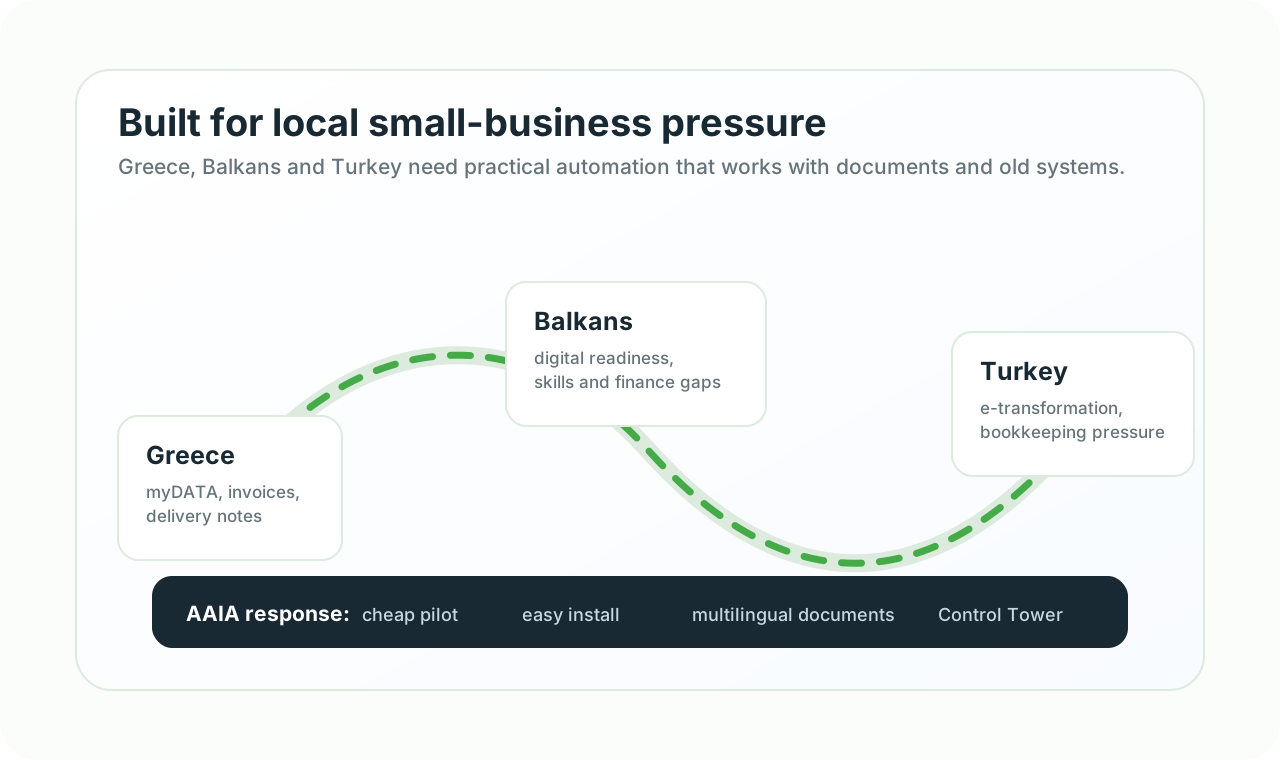
Problem: Greek, Balkan and Turkish suppliers, customers and documents create translation and data-entry friction.
Next step: Document and workflow understanding is designed around multilingual inputs, local terminology and regional business reality.
ERP, stock and orders
Problem: Orders, customers, products, prices and stock need to move between shop, ERP, Excel and back-office tools.
Next step: Start with a simple sync or assistant workflow, then add stronger integrations where the business needs them.
Email to action
Problem: Important requests hide inside emails and attachments, then somebody copies them into another system.
Next step: The assistant reads the message and attachment, prepares the entry and keeps evidence of what happened.
Repeated office work
Problem: Teams repeat exports, imports, checks and copy-paste tasks across browser, Excel, ERP and email every day.
Next step: Capture the workflow, approve the automation and let a local digital worker execute it with logs.
How the assistant works
A practical AI assistant for small companies starts from the real workflow, not from a complex platform rollout.
Cheap first step
Pick one paid-back workflow: read this invoice, update this old program, prepare this order or check this email.
Works with what you have
AAIA uses browser, Excel, ERP, CRM, POS, email, files and legacy desktop software before any platform replacement.
Control plus value
The Control Tower shows executions and approvals. The Value Dashboard shows time saved, exceptions and next opportunities.
Product details
Understand the assistant and the value dashboard.
AuxinVas AI Assistant
See how AAIA is installed, what it can operate and why it is easy to start.
Explore AAIAROI and Value Dashboard
See how executions become value data, analytics and management visibility.
View dashboard valueNext step